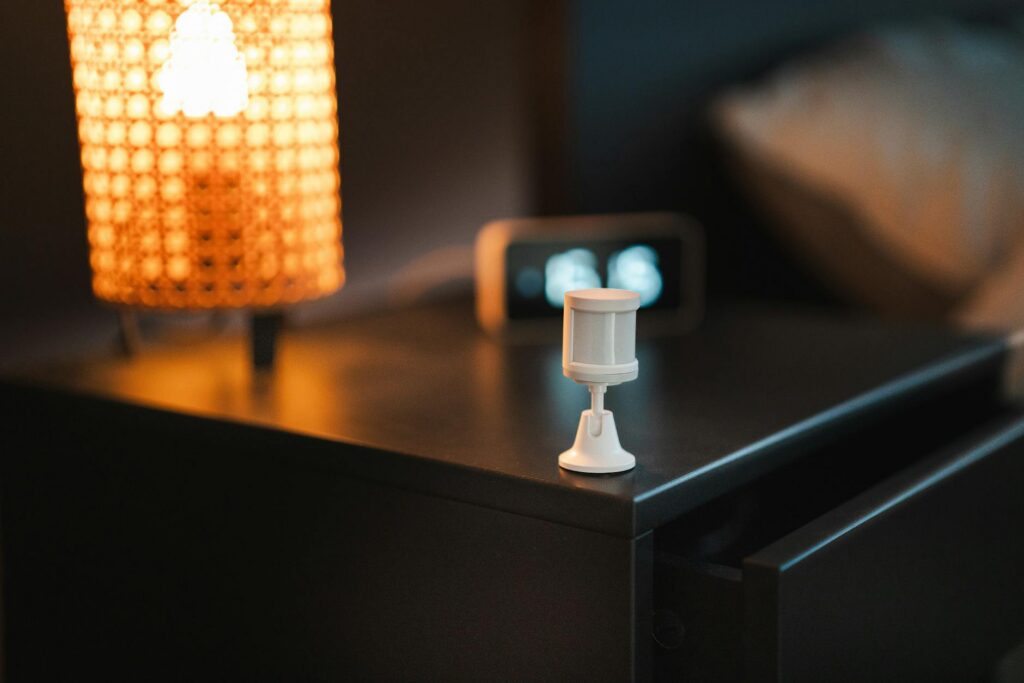
Motion sensor lights provide convenience and energy savings, but proper wiring is essential for safety and functionality. Whether you’re installing a single-pole or 3-way motion sensor switch, the key difference lies in how the switch controls power and communicates with other control points. This guide covers both installation methods so you can confidently wire your motion-activated lighting system. (Related: 7 Essential Steps to Size Furnace Electrical Connections Correctly in 2026) (Related: 5 Essential Steps to Interconnected Hardwired Smoke Detector Wiring in 2026) (Related: 240V Dryer Circuit Installation: 5 Essential Steps in 2026)
Single-Pole Motion Sensor Installation
A single-pole motion sensor switch is the simplest configuration, controlling a light fixture from one location. This setup works best when you only need motion detection from one entry point, such as a garage, porch, or basement.
Wiring components you’ll need:
- Motion sensor switch (120V or 240V rated)
- 14/2 or 12/2 NM cable (depending on circuit amperage)
- Wire nuts and electrical tape
- Breaker (15A or 20A, sized to wire gauge)
- Light fixture with proper NEMA rating if outdoor
Step-by-step wiring process:
First, turn off power at the breaker and verify the circuit is dead using a non-contact voltage tester. Remove the existing switch (if replacing) or prepare the new box. Connect the black hot wire from the breaker to the “LINE” or “HOT” terminal on the motion sensor switch. Connect the white neutral wire directly to the neutral wire of the light fixture—never connect neutral to the switch. Connect the red or black wire from the switch to the light fixture’s hot terminal. Ground all components with the bare copper wire, connecting it to the green ground screw on the switch and to the fixture’s ground.
Test the motion sensor by waving your hand in front of the lens after power is restored. Adjust the sensitivity dial if your sensor includes one. Most motion sensors have adjustable time delays ranging from 1 to 15 minutes, allowing the light to stay on longer after motion stops.
3-Way Motion Sensor Wiring Setup
A 3-way motion sensor installation allows you to control a light from two locations—useful for hallways, staircases, or large rooms with multiple entry points. This configuration is more complex because both switches must communicate through traveler wires.
Understanding 3-way switch operation:
In a standard 3-way setup, two switches control one light. Adding a motion sensor requires either a motion sensor specifically rated for 3-way applications or using a 3-way compatible motion switch with a companion switch. Some motion sensors include a 3-way terminal block for this purpose.
Wiring diagram approach:
Run 14/3 or 12/3 cable between the two switch locations. The black wire serves as the hot input at the first switch, connected to the “LINE” terminal on your motion sensor. The red and white wires become “traveler” wires that connect between both switches. At the second location, install a standard 3-way switch with traveler connections. The light fixture receives power from the motion sensor’s output terminal, and the second switch’s output connects back to the fixture’s hot lead.
This configuration allows the motion sensor to detect movement and activate the light, while the second switch can override the sensor to manually control the light. Some advanced motion sensors include a “vacation mode” or “always on” setting activated by the companion switch.
Important safety notes:
- Always use appropriately rated cable for your circuit’s amperage
- Verify the motion sensor’s voltage rating matches your circuit (120V or 240V)
- Leave slack in wires for future adjustments
- Use quality wire nuts and tape all connections
- Test the circuit before closing walls or covering boxes
Motion Sensor Selection and Settings
Choosing the right motion sensor depends on your application, environment, and desired features. Indoor sensors typically operate at 120V, while outdoor models may require weatherproof NEMA 3R or higher ratings.
Key sensor features to consider:
Sensitivity adjustment: Allows you to filter out small movements from pets or passing vehicles. Higher sensitivity may cause false triggers.
Time delay: Controls how long the light remains on after motion ceases. Shorter delays (1-2 minutes) save energy; longer delays (10-15 minutes) provide sustained illumination.
Ambient light threshold: Many sensors include a photocell that prevents the light from activating during daylight hours, reducing unnecessary energy consumption.
Temperature rating: Outdoor sensors must handle extreme temperatures. Check specifications if installing in attics, garages, or exterior locations.
Bulb compatibility: Modern motion sensors work with LED bulbs, but older incandescent-rated sensors may have minimum load requirements. LED bulbs draw less current, so verify compatibility to avoid flickering or malfunction.
When selecting a motion sensor, calculate your circuit’s total load. If you’re powering multiple fixtures from one sensor, ensure the combined wattage doesn’t exceed the sensor’s rated amperage—typically 600W to 2000W depending on the model.
Using Our Circuit Load Calculator
Before finalizing your motion sensor installation, verify that your circuit can safely handle the combined electrical load. Our voltage drop calculator helps you determine if your wire size is appropriate for the distance and load, ensuring efficient power delivery and preventing voltage drop that could affect sensor performance or light brightness.
Frequently Asked Questions
Can I install a motion sensor on a dimmer circuit?
Most standard motion sensors are incompatible with dimmers because sensors regulate light activation electronically, and dimmers modulate voltage. However, some manufacturers produce dimmable motion sensors specifically designed for this purpose. Always check the sensor’s specifications before installation. If you attempt to use a standard motion sensor on a dimmer circuit, you may experience flickering, reduced lifespan, or complete malfunction.
What’s the difference between passive infrared (PIR) and microwave motion sensors?
Passive infrared sensors detect body heat and work best for general motion detection in indoor spaces. Microwave sensors emit radio waves to detect movement and can penetrate some materials, making them useful for detecting motion behind glass or in enclosed areas. Microwave sensors consume more power and may be overkill for simple residential applications, but they’re more resistant to false triggers from air currents or insects.
Why does my motion sensor light stay on continuously?
Continuous activation typically indicates the sensor’s lens is dirty, the sensitivity is set too high, or there’s constant motion triggering the sensor. Clean the lens gently with a dry cloth. Lower the sensitivity dial to reduce false triggers. If a heat source (like an exhaust vent or direct sunlight) is near the sensor, reposition it. In 3-way installations, check that the companion switch isn’t set to “always on.”