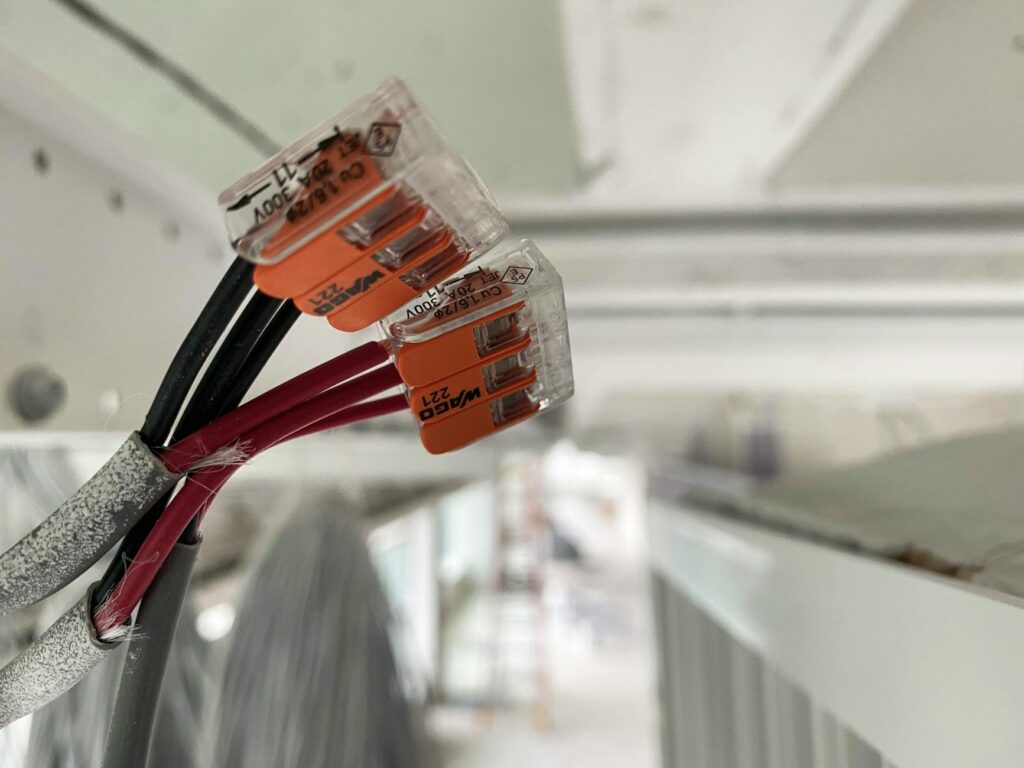
Smart home low-voltage rough-in planning is the critical foundation that determines whether your home automation system will function reliably for years to come. By planning your low-voltage infrastructure during the framing stage—before drywall goes up—you’ll avoid costly retrofits and ensure proper signal strength throughout your home. This guide walks you through the essential steps to plan, route, and install low-voltage cabling for a seamless smart home experience.
Understanding Low-Voltage System Categories
Smart home systems rely on multiple low-voltage infrastructure types, each serving different purposes. Understanding these categories helps you plan the right cables for each application.
Data and Communication Cables include Cat6A and Cat6 ethernet cables for broadband connectivity, creating the backbone of your smart home network. These twisted-pair cables transmit data at high speeds and should be kept separate from power lines to minimize interference. Most modern smart home hubs, security systems, and IP cameras rely on reliable ethernet connections.
Audio/Video Cables handle your entertainment systems, including HDMI alternatives like optical audio cables and coaxial cables for streaming devices. While wireless options exist, hardwired AV cables provide superior bandwidth for 4K video and lossless audio transmission. Plan these runs between media rooms, home theaters, and central distribution points.
Control Cables operate your smart thermostats, lighting control systems, and motorized window treatments. These typically use twisted-pair or multi-conductor cable with lower bandwidth requirements than data cables. Control systems often operate on 24-volt DC power, so voltage-drop calculations become essential for longer runs.
Security System Wiring includes alarm sensor wiring, doorbell video feeds, and access control circuits. These circuits often operate independently from main data networks and require dedicated paths through walls and ceilings to maintain circuit integrity and security.
Planning Your Low-Voltage Rough-In Layout
Effective rough-in planning prevents costly mistakes and future system limitations. Start by mapping your entire home and identifying all smart home device locations before framing begins.
Create a Detailed Device Inventory listing every smart home component you plan to install: smart speakers, thermostats, security cameras, smart locks, lighting controls, and entertainment systems. Note the exact wall locations, ceiling heights, and any special requirements like outdoor weatherproofing for exterior cameras.
Design Your Cable Routing Strategy by identifying central hubs or distribution points where cables converge. Most smart homes benefit from a central networking closet—ideally located near your electrical panel or internet entry point—where you can consolidate equipment and minimize cable runs. Plan separate pathways for different cable types to reduce electromagnetic interference. Never run low-voltage cables parallel to high-voltage electrical lines for extended distances.
Use Structured Cabling Standards by installing conduit or cable trays during framing. Three-quarter-inch PVC conduit accommodates future upgrades and protects cables from damage. Leaving 25-30% of conduit capacity allows room for adding circuits without removing existing cables. Label all conduit at both ends before drywall installation—you won’t regret this during troubleshooting months later.
Plan for Expansion by installing extra conduit runs to unused locations. Adding a single empty conduit costs pennies during framing but hundreds of dollars in retrofit work later. Consider future areas like outdoor entertainment spaces, garages, or security camera locations.
Installation Best Practices for Low-Voltage Systems
Proper installation during rough-in ensures your smart home infrastructure performs optimally and meets electrical codes.
Maintain Cable Separation Standards by keeping low-voltage cables at least 12 inches away from electrical lines, and further when possible. Where crossing is unavoidable, use perpendicular crossings and shield the low-voltage cable with conduit. This prevents signal degradation and reduces noise in audio and data circuits.
Support Cable Runs Properly using non-metallic staples or cable clips every 18 inches for horizontal runs and 4 feet for vertical runs. Avoid nails or metal staples that can puncture cables. Oversized staples leave room for cable movement and environmental expansion.
Test During Installation by running cable continuity tests before drywall installation. Identify any pinched or damaged cables immediately rather than discovering problems after walls are sealed. Keep detailed records of all cable paths and endpoint locations for future modifications.
Consider Future Bandwidth Needs by installing Cat6A cables rather than Cat6 for new construction. The marginal cost difference is negligible, but Cat6A supports faster speeds and longer runs (up to 100 meters for 10 Gigabit Ethernet), providing years of future-proofing.
How to Calculate Proper Cable Requirements
Determining the correct cable gauge and length prevents voltage drop issues that compromise device functionality. Our Voltage Drop Calculator helps you identify the right wire gauge for control circuits and low-voltage power runs, ensuring your smart home devices receive adequate operating voltage regardless of circuit length.
Frequently Asked Questions
Can I run low-voltage and high-voltage cables in the same conduit?
No, electrical codes strictly prohibit mixing low-voltage and high-voltage cables in the same conduit. High-voltage lines generate electromagnetic fields that create noise and interference in low-voltage signal circuits, degrading performance. Use separate conduit runs or maintain minimum 12-inch separation between cable types. This separation is especially critical for audio, video, and control circuits where signal integrity is paramount.
What’s the maximum distance for low-voltage cable runs?
Ethernet cable runs should not exceed 100 meters (328 feet) due to signal attenuation. Control cables and audio/video runs have varying limits depending on the specific application and bandwidth requirements. For 24-volt DC control circuits, voltage drop becomes the limiting factor—longer runs require larger gauge wire to maintain adequate voltage at the device. Always calculate expected voltage drop for your specific circuit before installation.
Should I use conduit for all low-voltage cables?
While not always required by code, conduit provides significant benefits: protection from physical damage, easier future upgrades, and reduced electromagnetic interference. For rough-in installation, conduit is highly recommended because walls are open and installation is simple. For retrofits in finished spaces, conduit routing becomes more challenging but remains the best practice for protecting and managing cables long-term.